Free · Open source · Self-hosted
Your media library.
Fast, self-hosted, yours.
Pictures and videos with booru-style tags, searched in milliseconds. A downloader built in. One app for your phone and your desktop.
No cloud. No account. No one judging your 40,000 bookmarks.
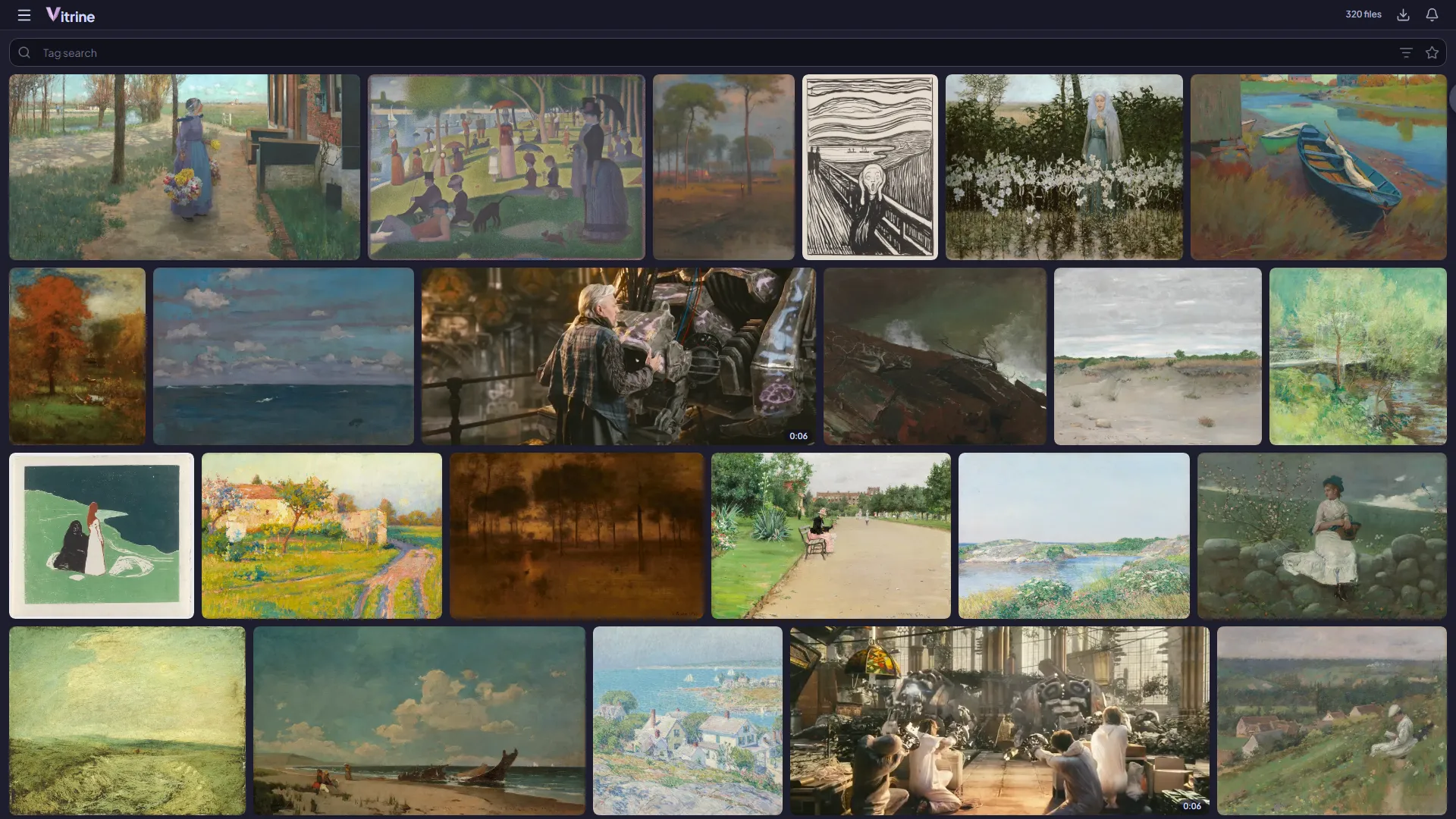
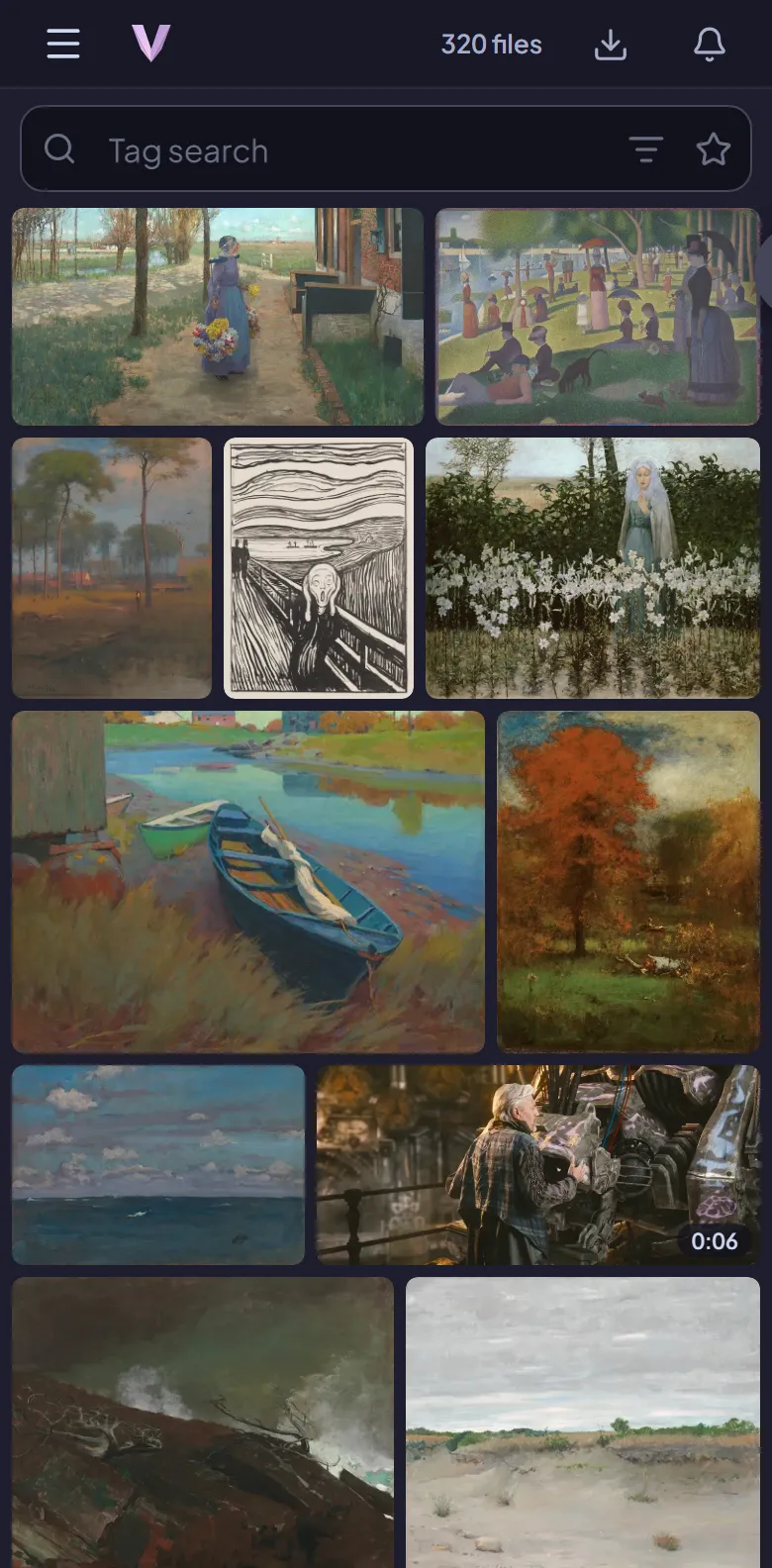
We measured. You blink slowly.
Search
Find anything in the time it takes to blink.
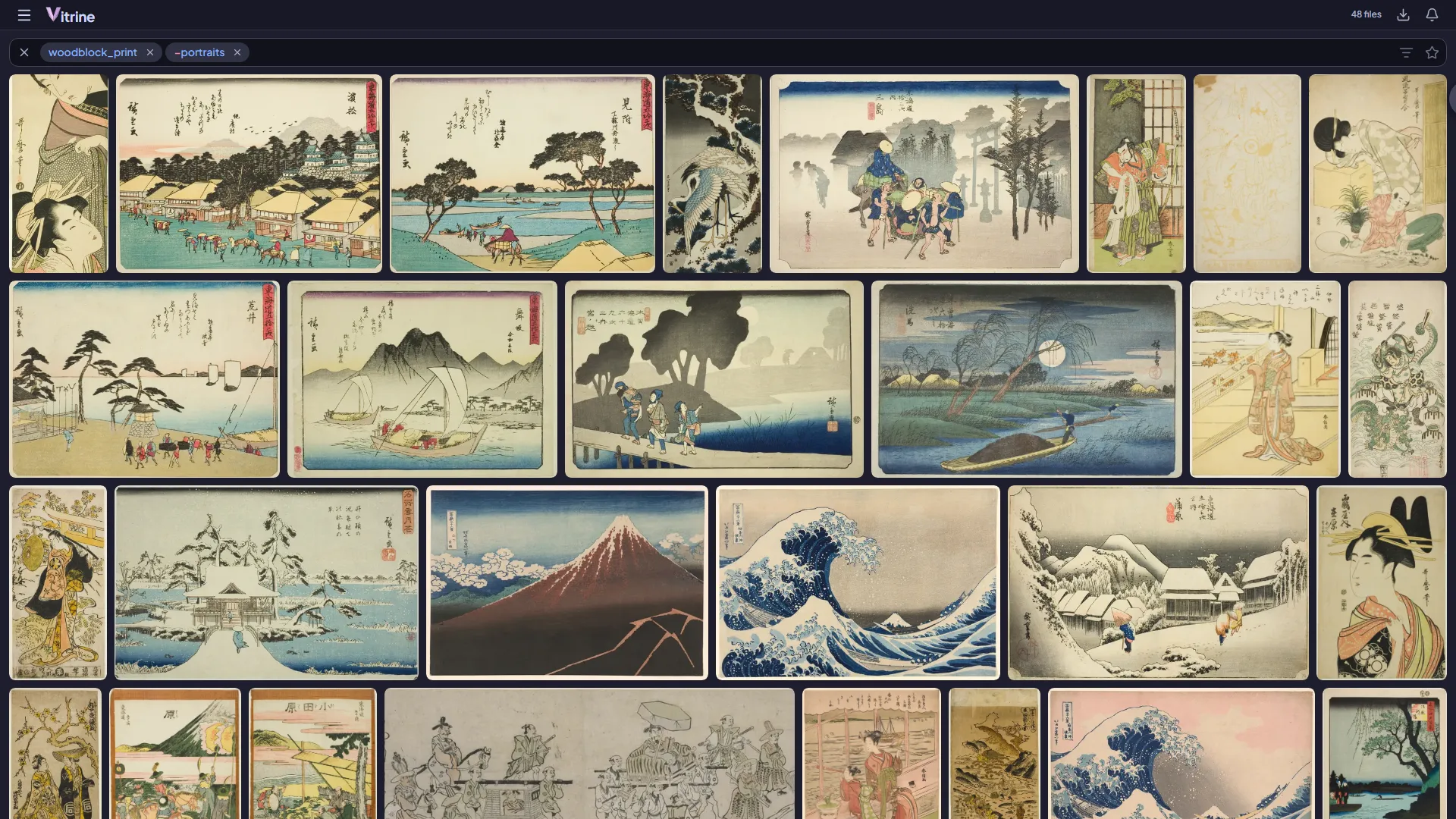
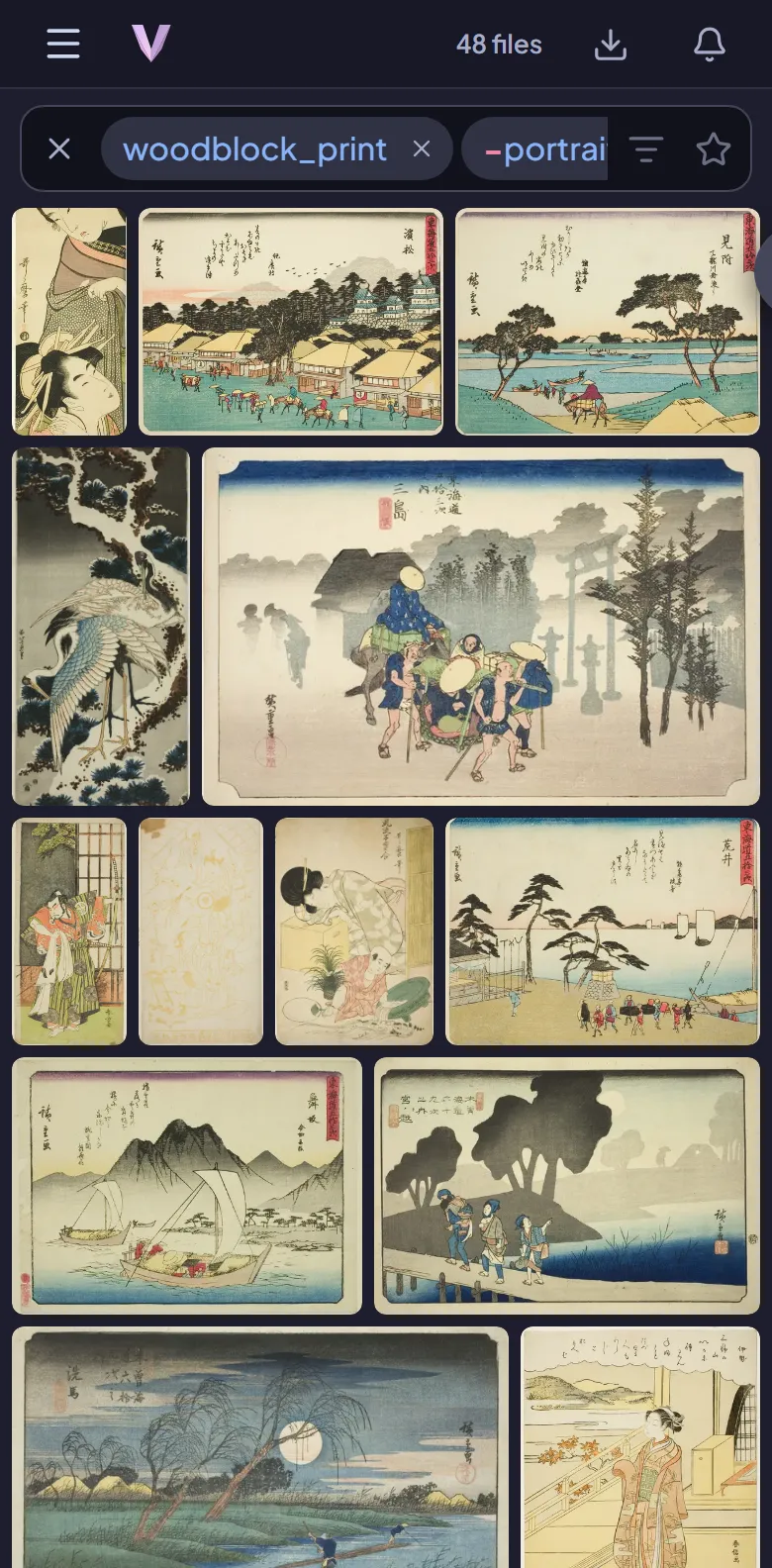
Booru-style search with chips: tags, exclusions, OR groups, wildcards and filters for type, size, date and more. Suggestions as you type, saved searches, and results in milliseconds even at a million files.
Viewer
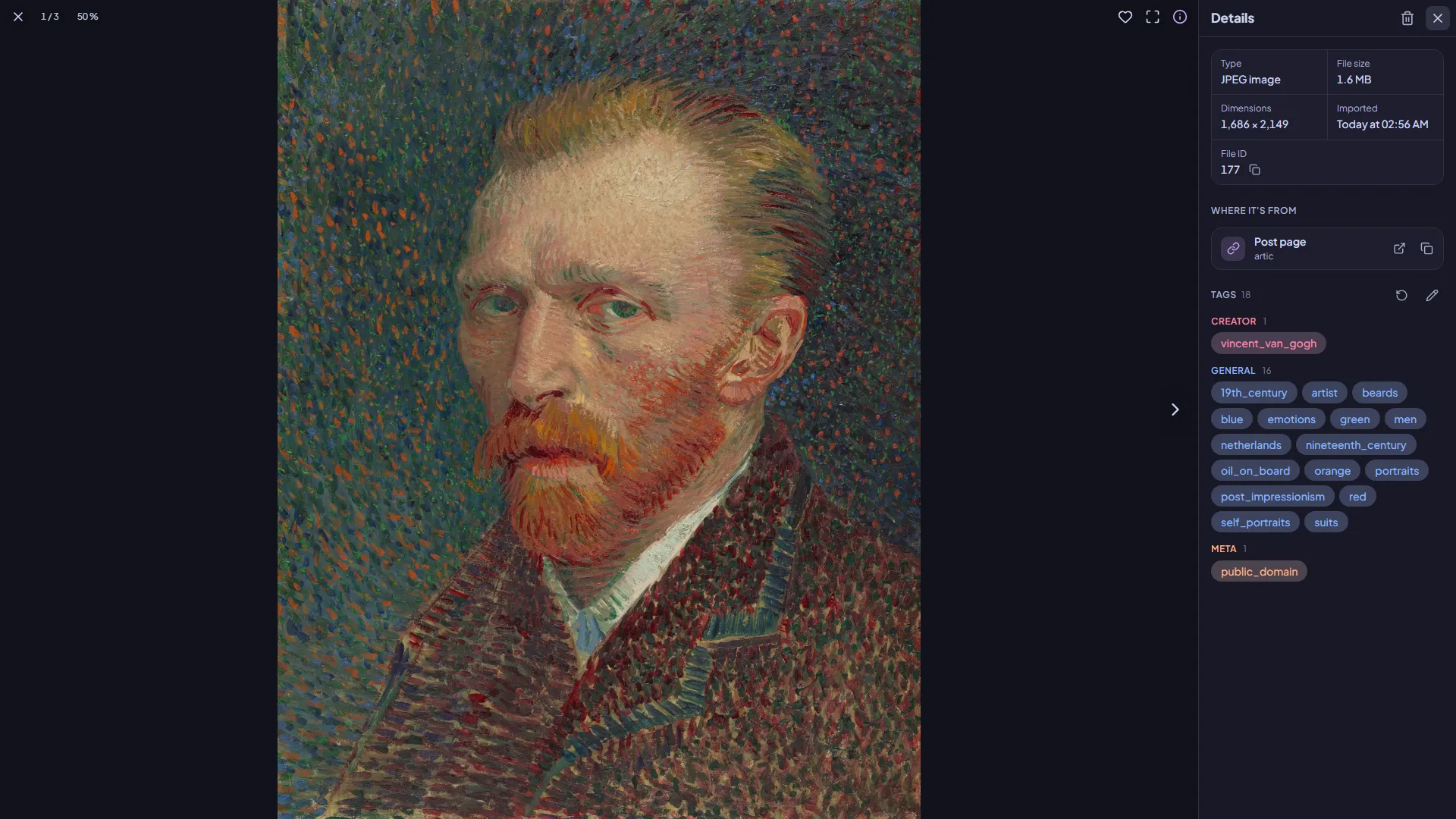
Every file, with everything it knows.
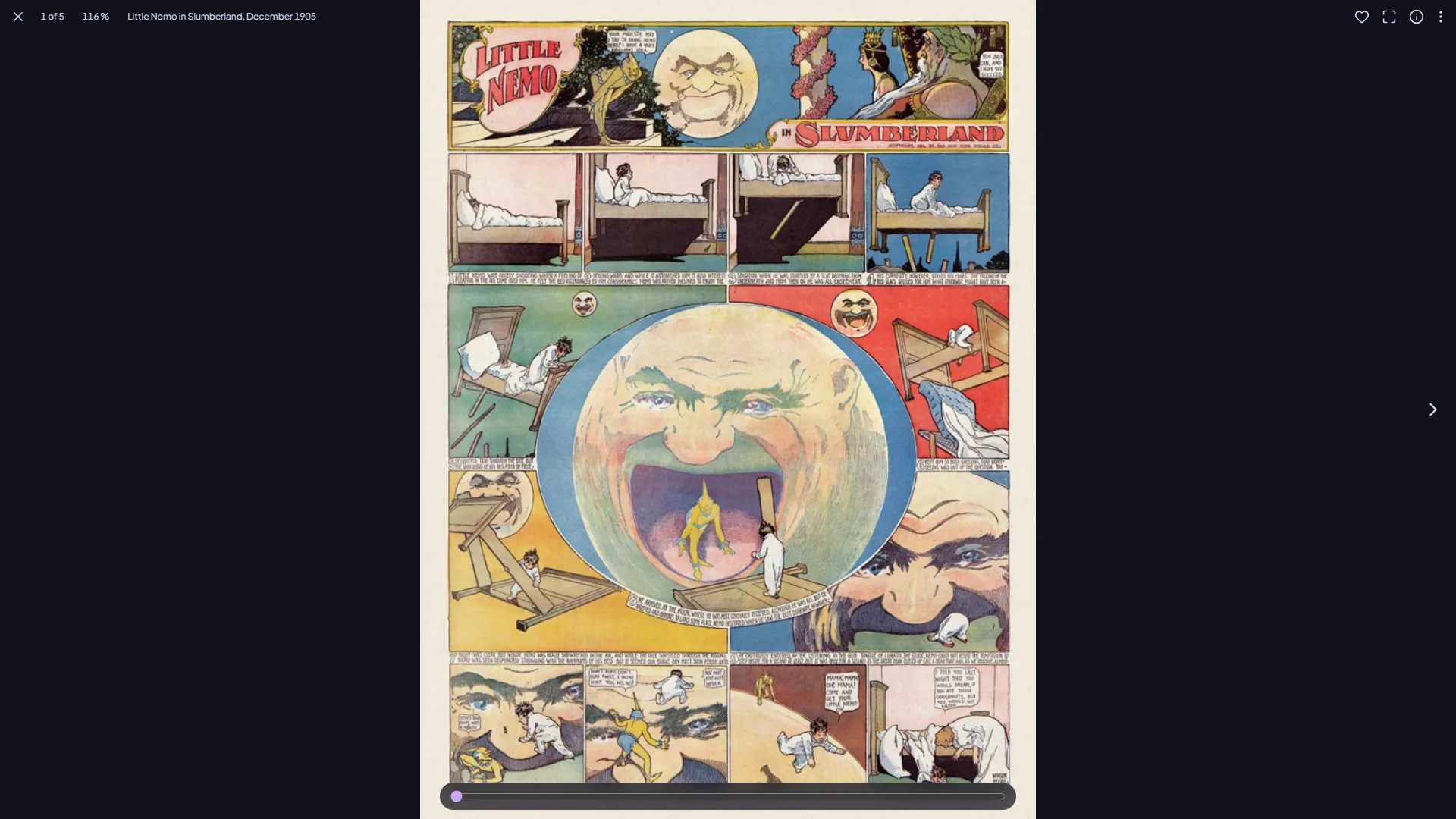
Swipe through your results, pinch to zoom, scrub videos with a player made for it. The details show where a file came from, its sources and its tags by kind, and a tap on a tag searches for it.
- Pictures, GIFs and videos: JPEG, PNG, WebP, AVIF, MP4, WebM, MKV and more
- Favorites, tags edited in place, the trash one swipe away
- Huge pictures that don't crash your phone
Downloader
Subscriptions that actually finish.
Download a search once, or subscribe and get what's new on its own. Vitrine resumes exactly where it stopped, never downloads the same file twice, respects each site's limits and checks every file against the site's own checksum.
Turn it off and on again. It picks up where it was. We checked.






Comics
Galleries become comics.
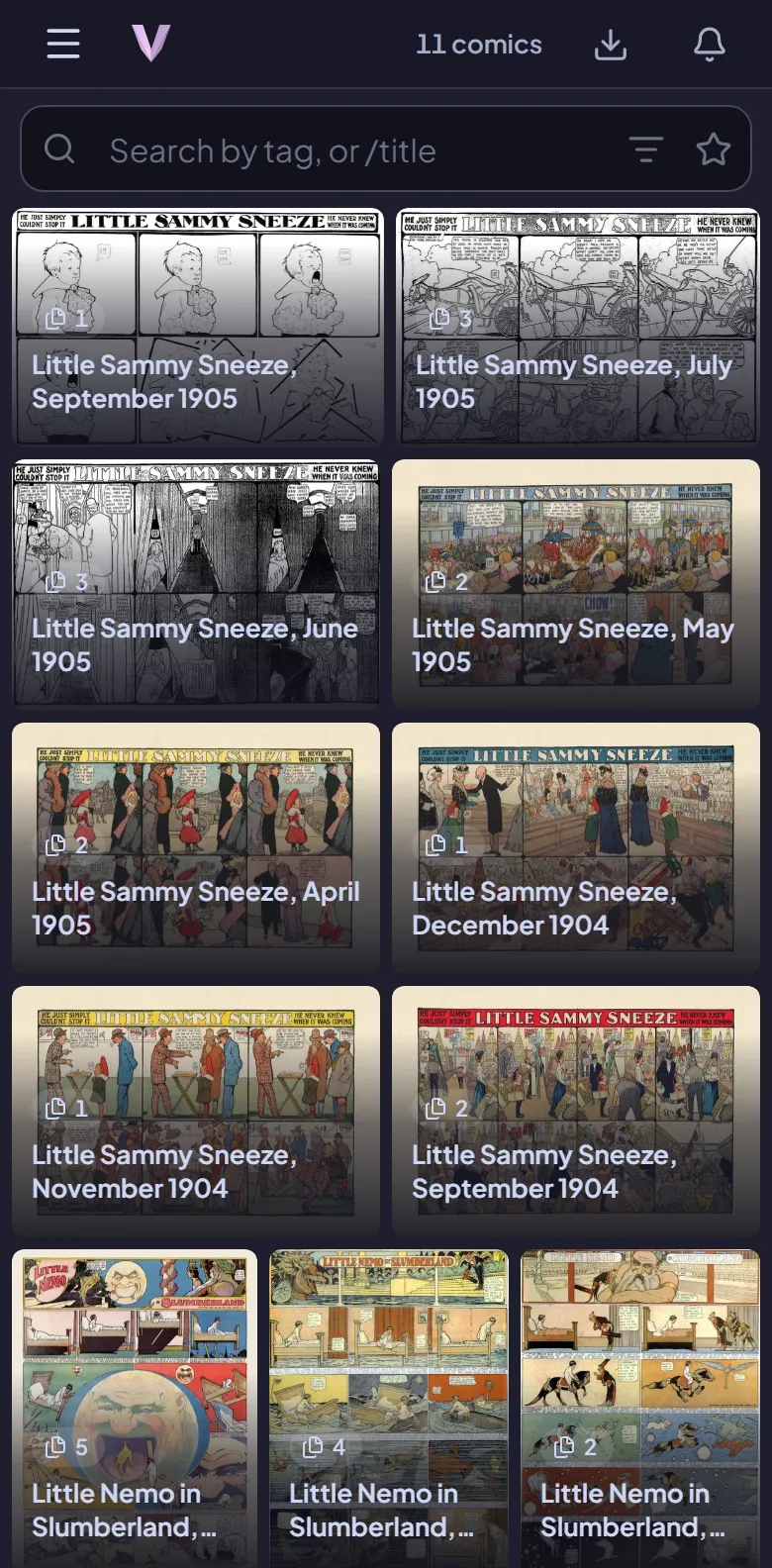
A gallery downloads as one comic with its own reader: swipe or scroll like a webtoon, pick up where you left off, sort them into collections, and browse a gallery site before downloading anything.
On your phone
Made for the phone first. Just as good on a desktop.
Add Vitrine to your home screen and it's an app: gestures that feel native, inline video, push notifications, and nothing that's only been tested on a big screen.

Plugins
Any site, with a plugin.
The downloader learns a site from a small plugin file. Install and update them from the list in Settings, or from a file. Vitrine speaks booru-style image boards (Gelbooru, Danbooru, Shimmie), gallery sites and Mastodon, and Safebooru comes built in.
Write your own: a plugin is a short YAML file, no code. Plugins for more sites, some of them adult, are in the plugins repository.
id: safebooru
name: Safebooru
engine: gelbooru-v02
base: https://safebooru.org
domains: [safebooru.org]
limits: {requests_per_sec: 1, connections: 2}
search: {per_page: 100}
And the rest of it.
Duplicates
Finds pictures that look alike and lets you keep the better one, side by side.
Trash with undo
Deleted by mistake? Undo, or restore it from the trash later.
Tags that stay tidy
Parents, siblings and namespaces. Tags refreshed from their sites now and then.
Push notifications
New files from your subscriptions, on your phone, without the sites named.
Backups
A daily backup of the library database, restored in two clicks.
Command line
status, queue, subs, logs: the running server, from your terminal.
Updates in the app
Told when a new version is out, installed with one button.
Yours
One login, your files on your disks. Nothing leaves unless you download it.
Install
Up and running in a minute.
The latest version is 1.0.4.
Windows
The installer brings everything with it, asks where to keep your library, and puts Vitrine by the clock. No administrator needed.
Download for WindowsWindows may warn about an unknown publisher: More info, then Run anyway.
Docker
For a home server or NAS. Save this as compose.yaml, then run docker compose up -d.
services:
  vitrine:
    image: ghcr.io/usevitrine/vitrine:latest
    user: "1000:1000"
    ports:
      - 8080:8080
    environment:
      - VITRINE_FILES_DIR=/files
    volumes:
      - ./data:/data
      - ./files:/files
    restart: unless-stopped
The full example adds updates from the app and Cloudflare help.
Linux and macOS
One program for amd64 and arm64. Put it on your PATH and run it; ffmpeg makes the thumbnails.
vitrine serveThen open http://localhost:8080 and make your account. The first one to visit gets it, so be quick.
Questions
Is Vitrine free?
Yes. Vitrine is free and open source (AGPL-3.0). There is no account, no subscription and no cloud: it runs on your own computer or server.
What do I need to run it?
A Windows 10 or 11 PC (the installer brings everything with it), Docker on a Linux server or NAS, or the program for Linux, macOS or Windows. Your phone and other computers open it in the browser.
How is it different from Hydrus?
Hydrus is a powerful desktop program. Vitrine is built for using your library through a browser - on a phone as much as on a desktop - with the downloader, the library and the web app in one program, so there are no gaps between separate tools to patch over.
Can I add the files I already have?
Yes. The vitrine import command adds files and folders to the library (the originals are copied, never moved), and each file is stored only once.
Does it phone home?
No tracking, no analytics. Vitrine checks GitHub once a day for a new version, which you can switch off, and otherwise only talks to the sites you download from.
Which sites can it download from?
Sites come as plugins: booru-style image boards (Gelbooru, Danbooru and Shimmie sites), gallery sites and Mastodon. Safebooru is built in; more are one click away in Settings, and you can write your own.